
Start with an event
Keep the experience anchored to a specific celebration, rather than a general file dump.
EVENT PHOTO SHARING / LIVE PRODUCT
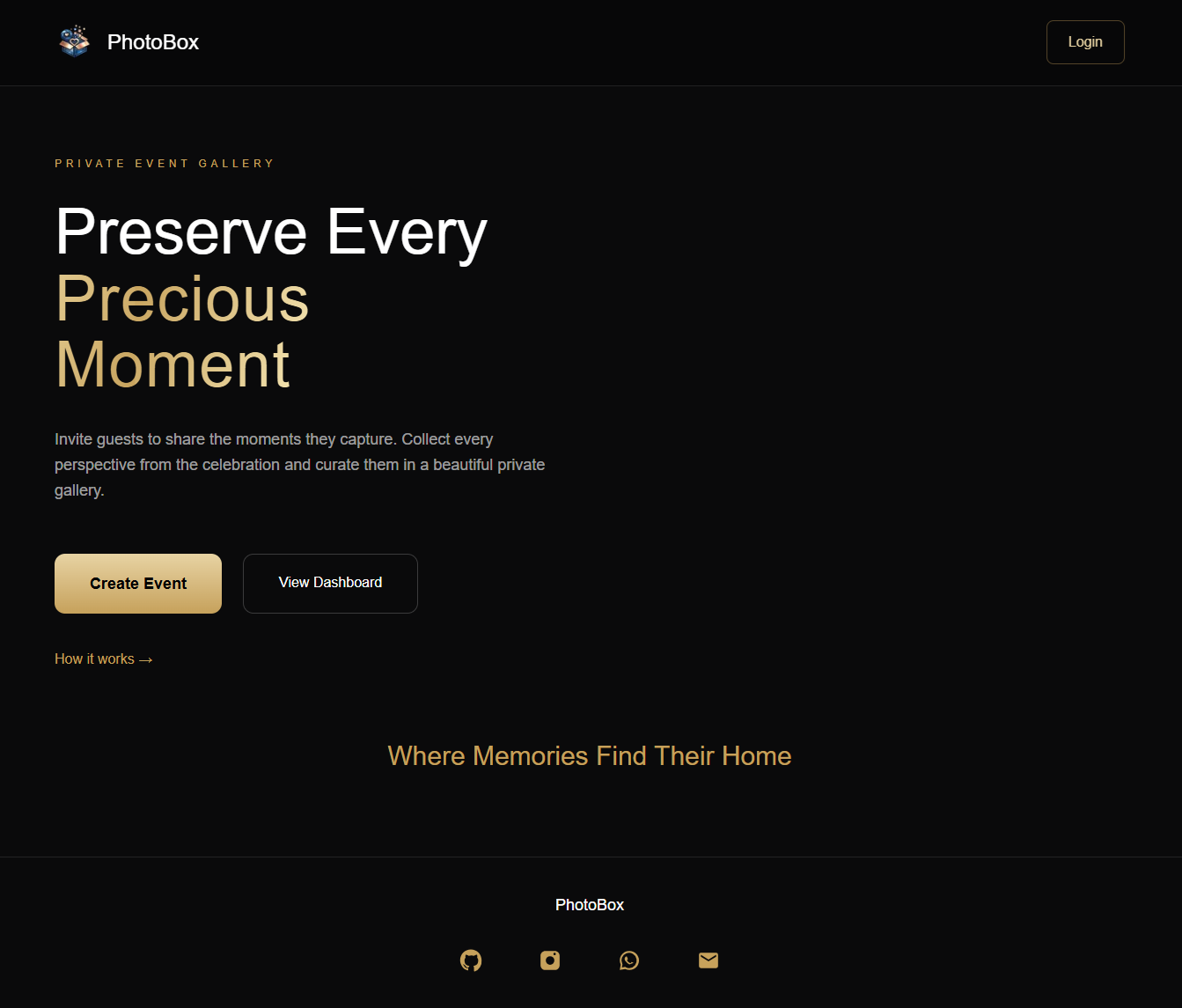
Event photos tend to end up scattered across phones, group chats and cloud folders. PhotoBox gives each event a shared gallery, so guests can contribute and the host can keep the collection together.
PRODUCT
Private event galleryA space for each celebrationPEOPLE
Hosts and guestsBoth sides of the upload flowSTATUS
Live productTry it on the live site01 THE CONTEXT
The same event is photographed by dozens of people, but the photos rarely land in one place by themselves. Hosts end up chasing uploads through messages, and guests have to figure out where to send them. The result is a fragmented collection that is hard to revisit.
Make the event the centre of the experience. The host creates a gallery and shares access; guests can open it from their own devices and contribute their photos. Instead of managing a thread full of attachments, everyone works around the same collection.
The product should remove the work around collecting photos-not add another complicated tool for guests to learn.
02 WHAT MATTERS IN THE BUILD
A private event gallery built around one straightforward loop: create an event, invite people, collect photos and return to the memories later.
Keep the experience anchored to a specific celebration, rather than a general file dump.
The path from receiving an invite to adding photos should feel familiar and work across devices.
A common gallery gives the host one place to browse the event from multiple perspectives.
03 HOW IT COMES TOGETHER
Set up a gallery for the occasion.
Share the event with the people who were there.
Guests add the moments captured on their own devices.
Browse the event from one shared destination.
HAVE A SIMILAR PROBLEM?
Start with the problem, the people involved and what the software needs to make easier. We’ll take it from there.